Everything an archiver should do
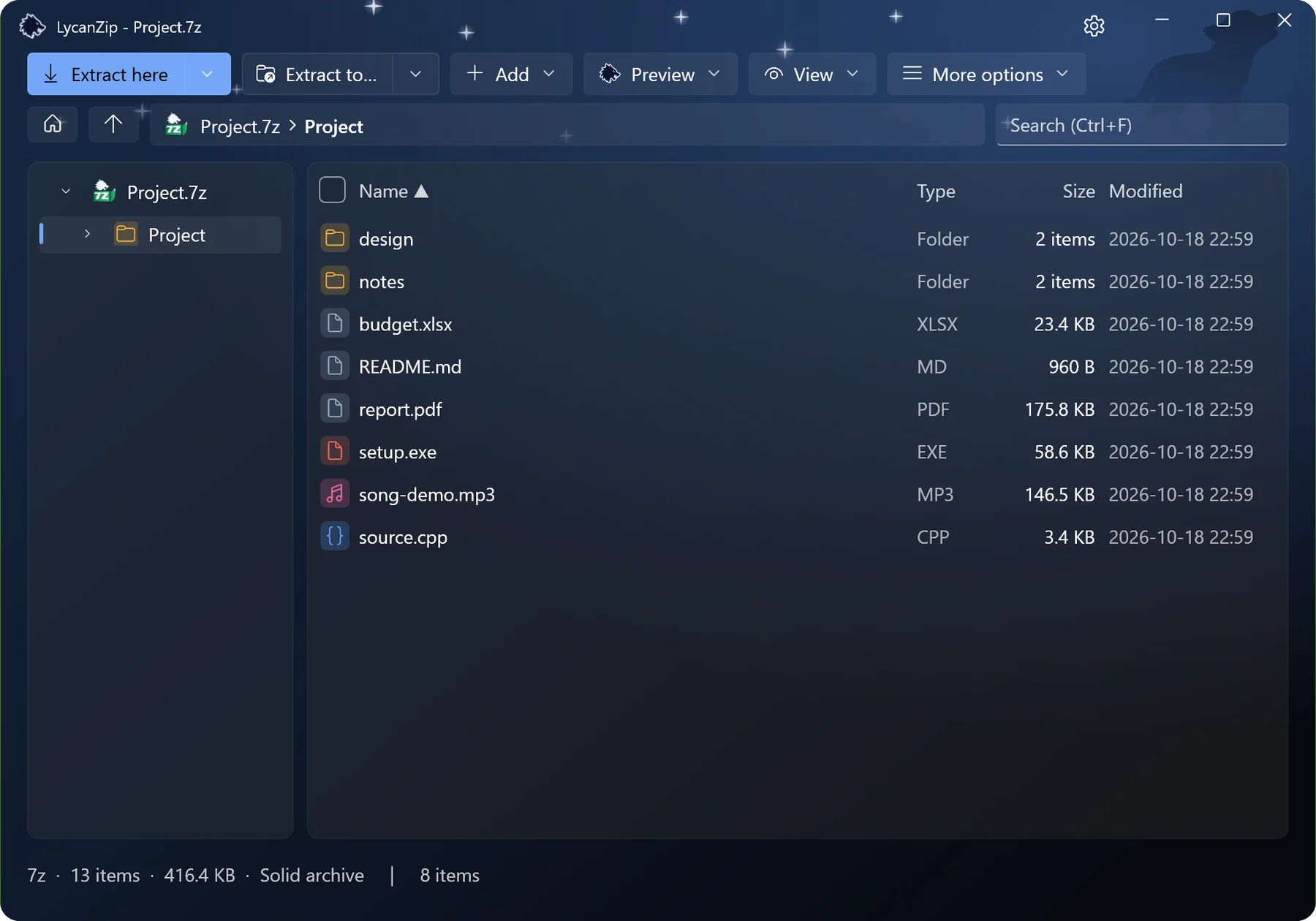
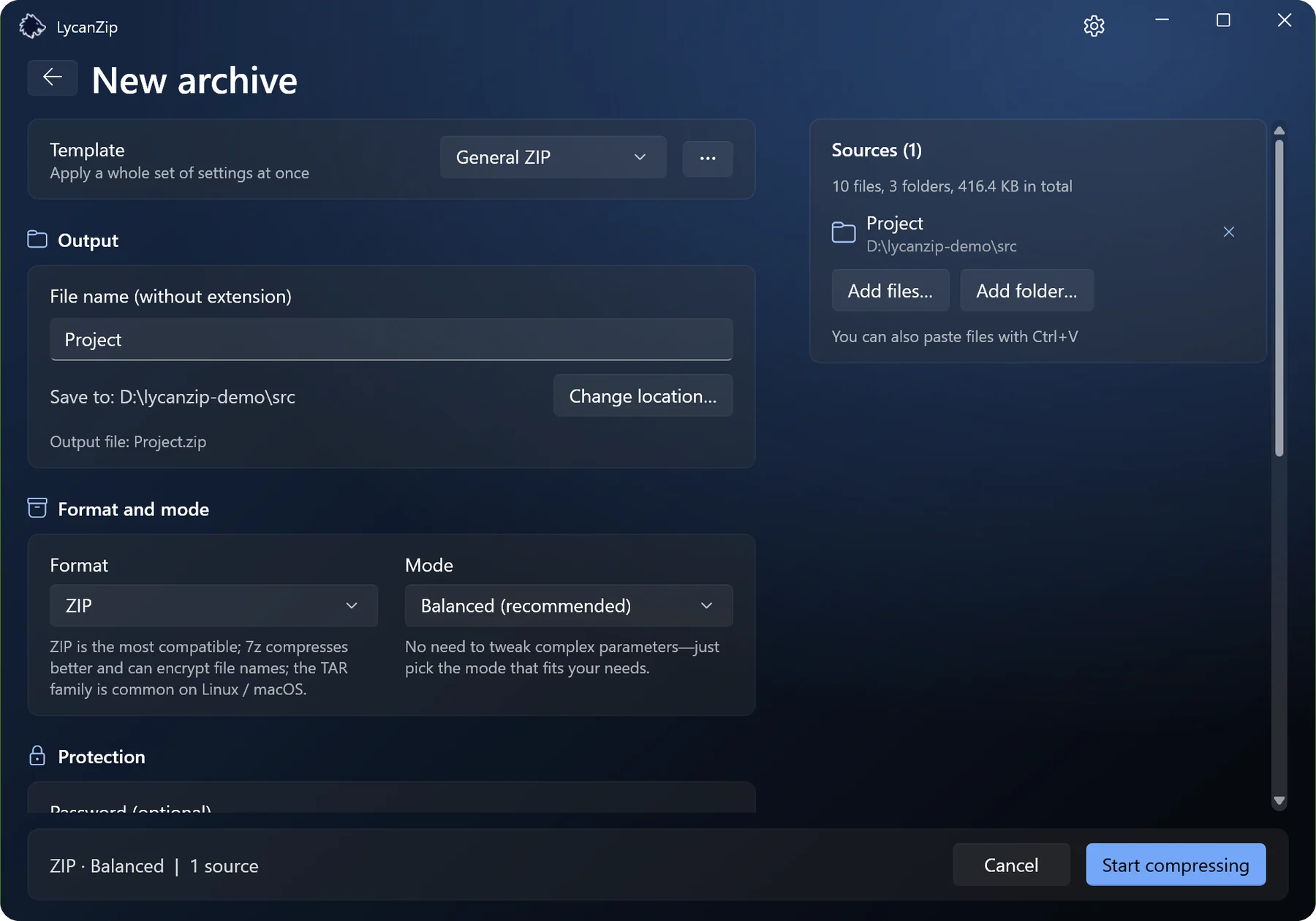
Open zip, 7z, rar, tar, iso and dozens more. Create zip, 7z and tar with AES-256 passwords. Browse, search, drag files out to Explorer, use the right-click menu. It works like the rest of Windows.
Windows 10 · Windows 11 only
Zip, 7z, tar and more, with the look and feel of Windows 11. Free, open source, no ads, nothing collected.


Open zip, 7z, rar, tar, iso and dozens more. Create zip, 7z and tar with AES-256 passwords. Browse, search, drag files out to Explorer, use the right-click menu. It works like the rest of Windows.
Entries right in the top level of the Windows 11 menu, no “Show more options” first. Windows only allows this for a signed package, so it comes with the Microsoft Store version. The other versions use the classic menu.
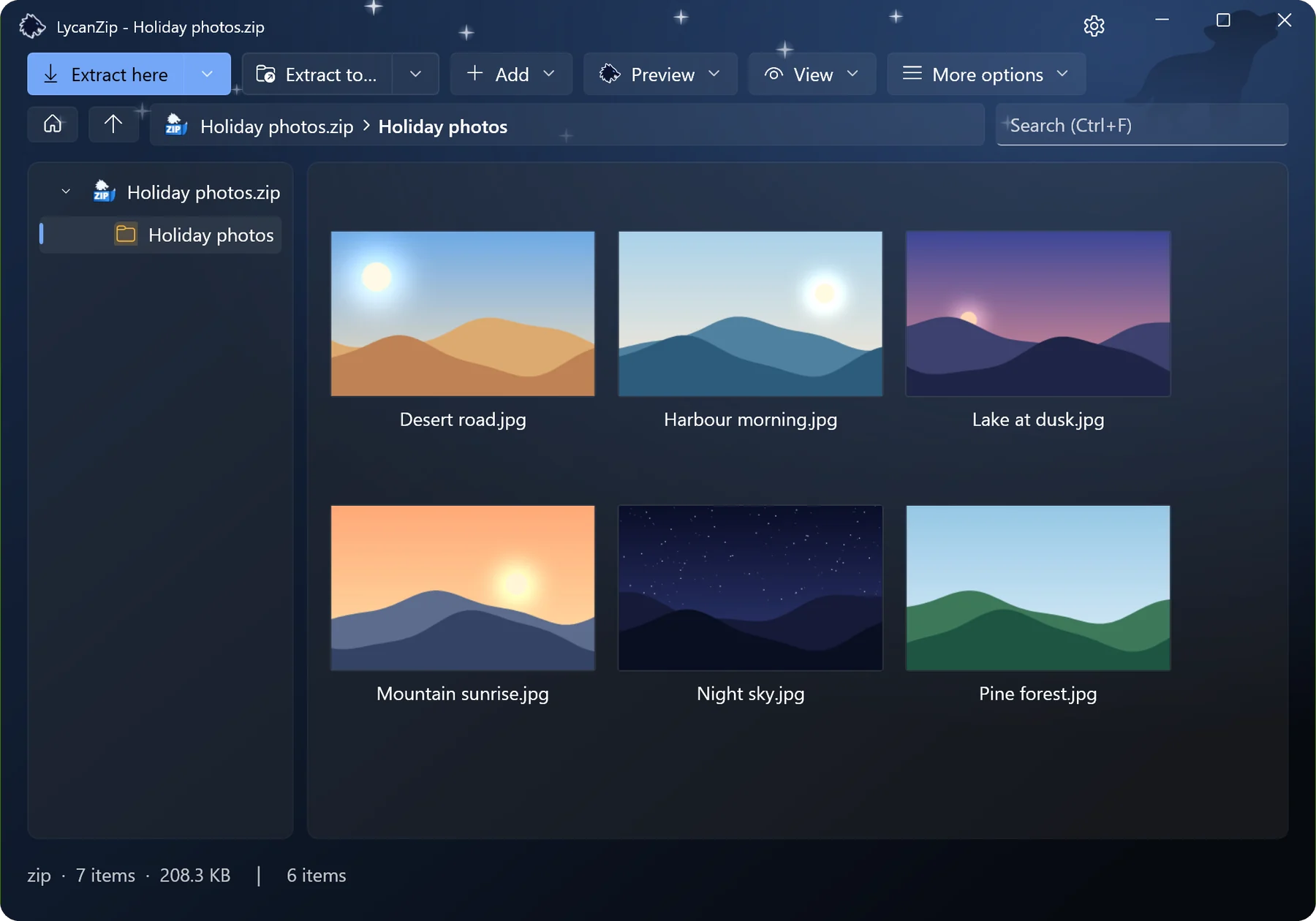
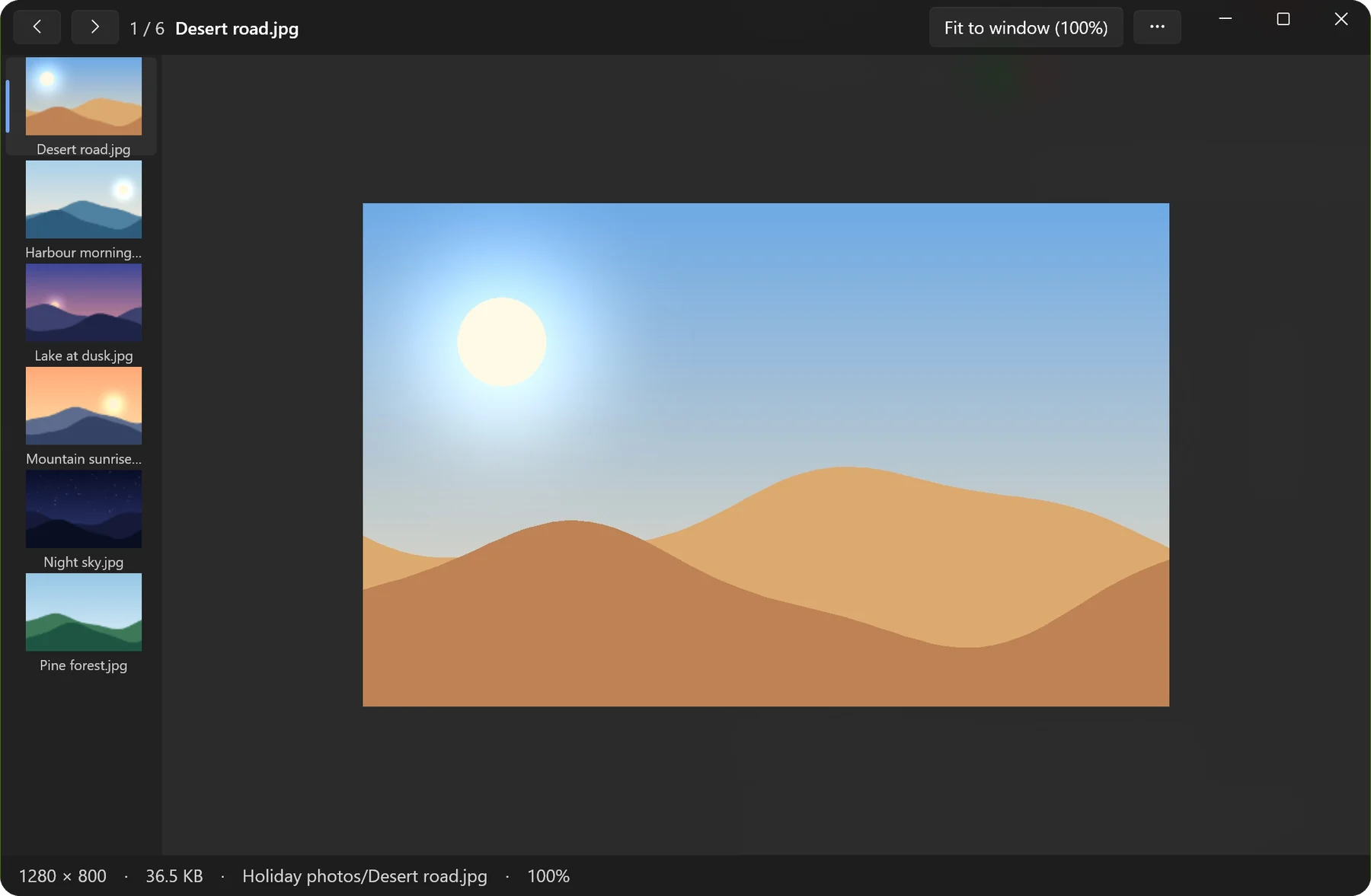
Pictures open in a viewer with a thumbnail strip, zoom and animations. Music plays in a built-in player that shows the tags. Nothing is unpacked. Hold Shift when you open an archive to go straight to the pictures.
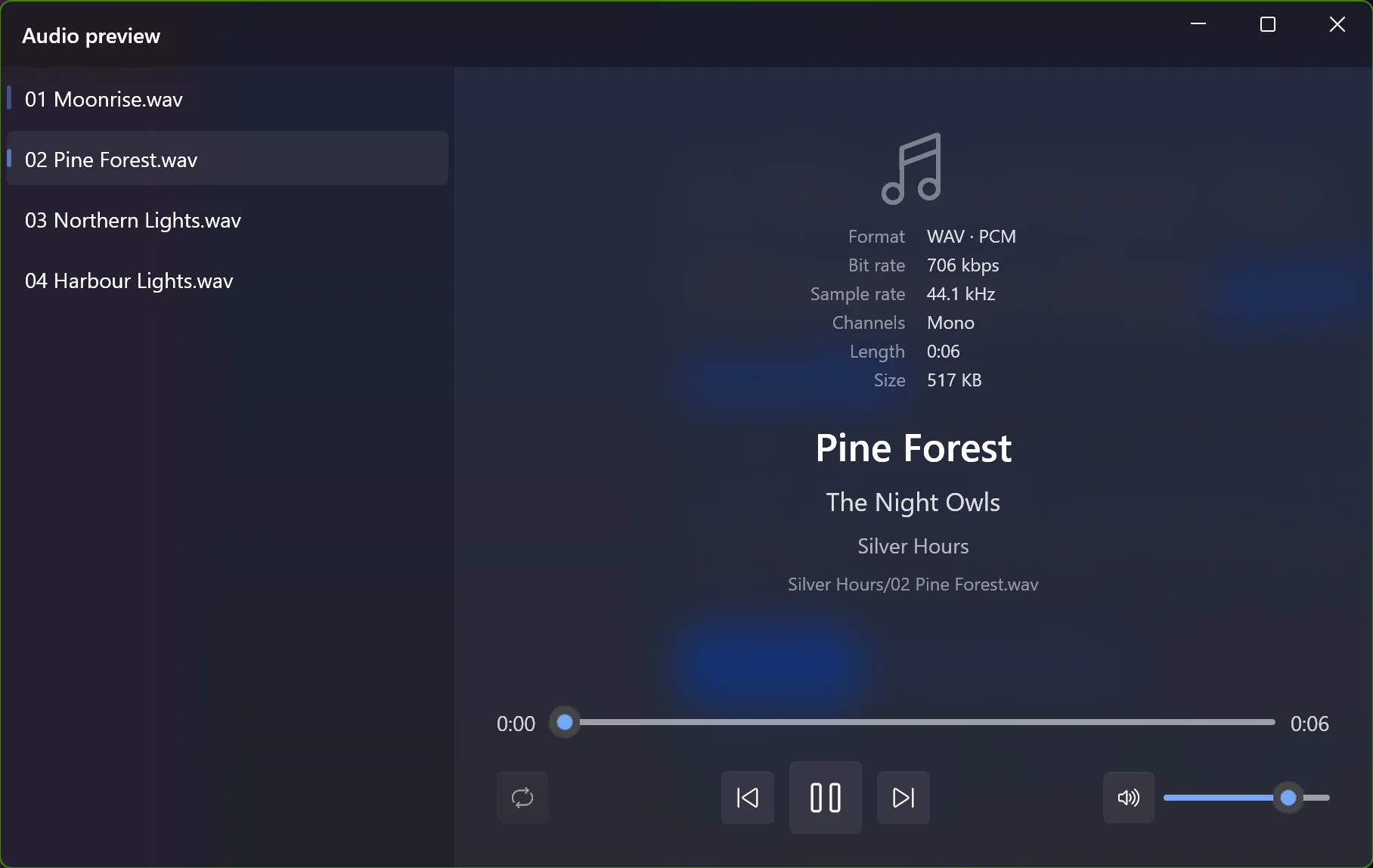
Light or dark, six accent colours, or just follow Windows. Optional sound effects (two sets) and animations, which you can switch off.
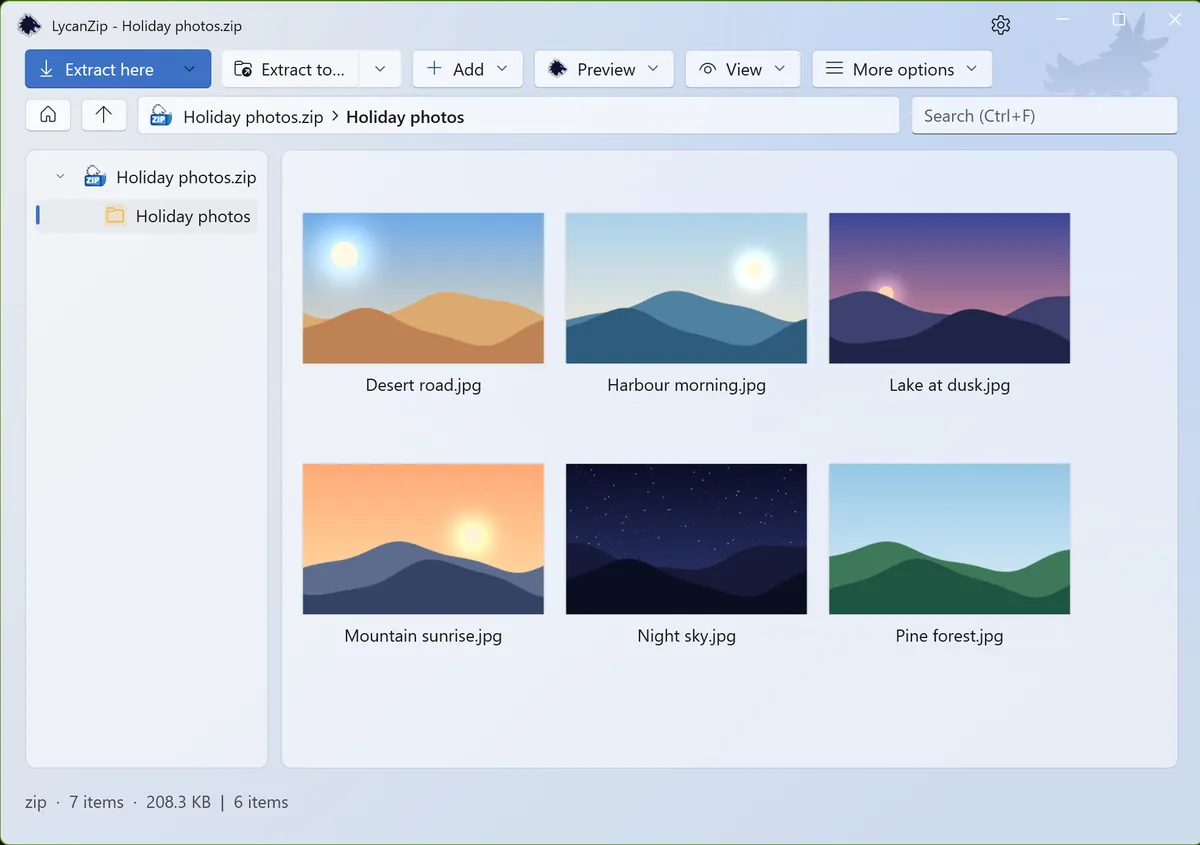
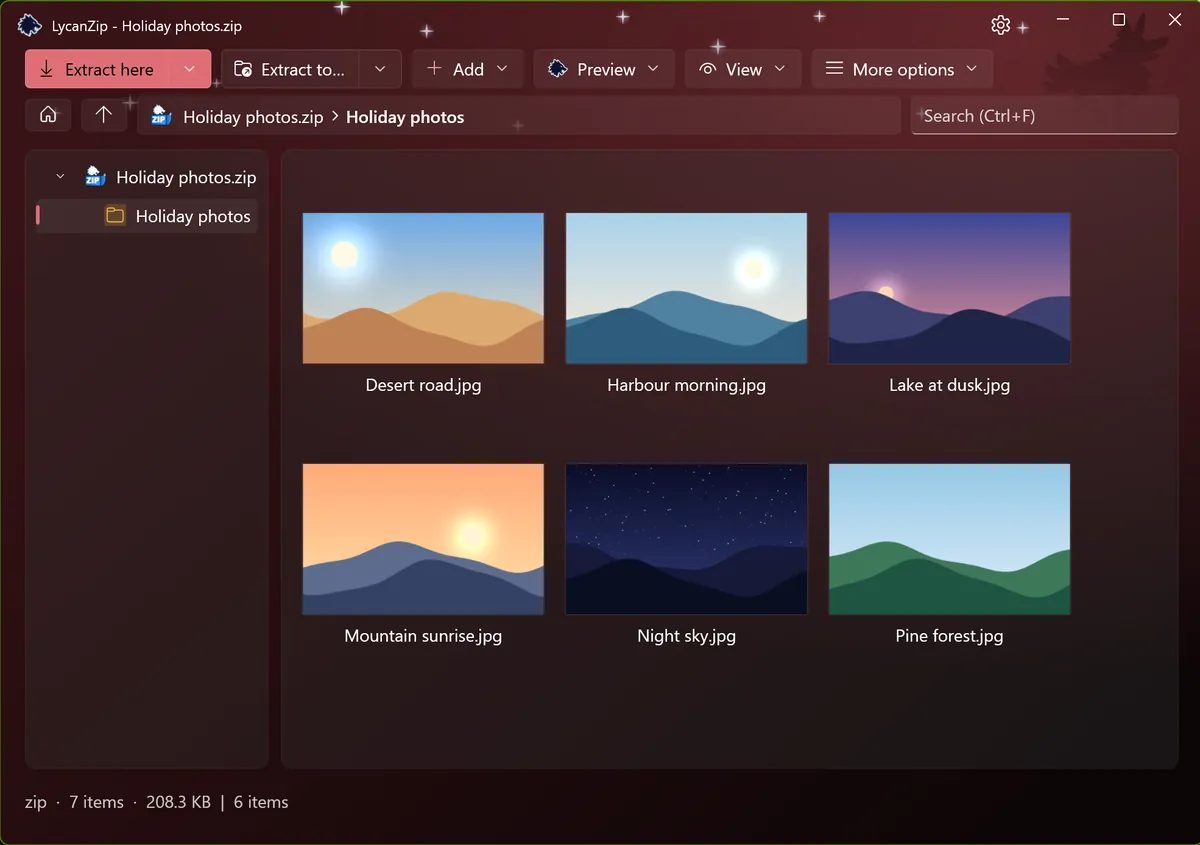
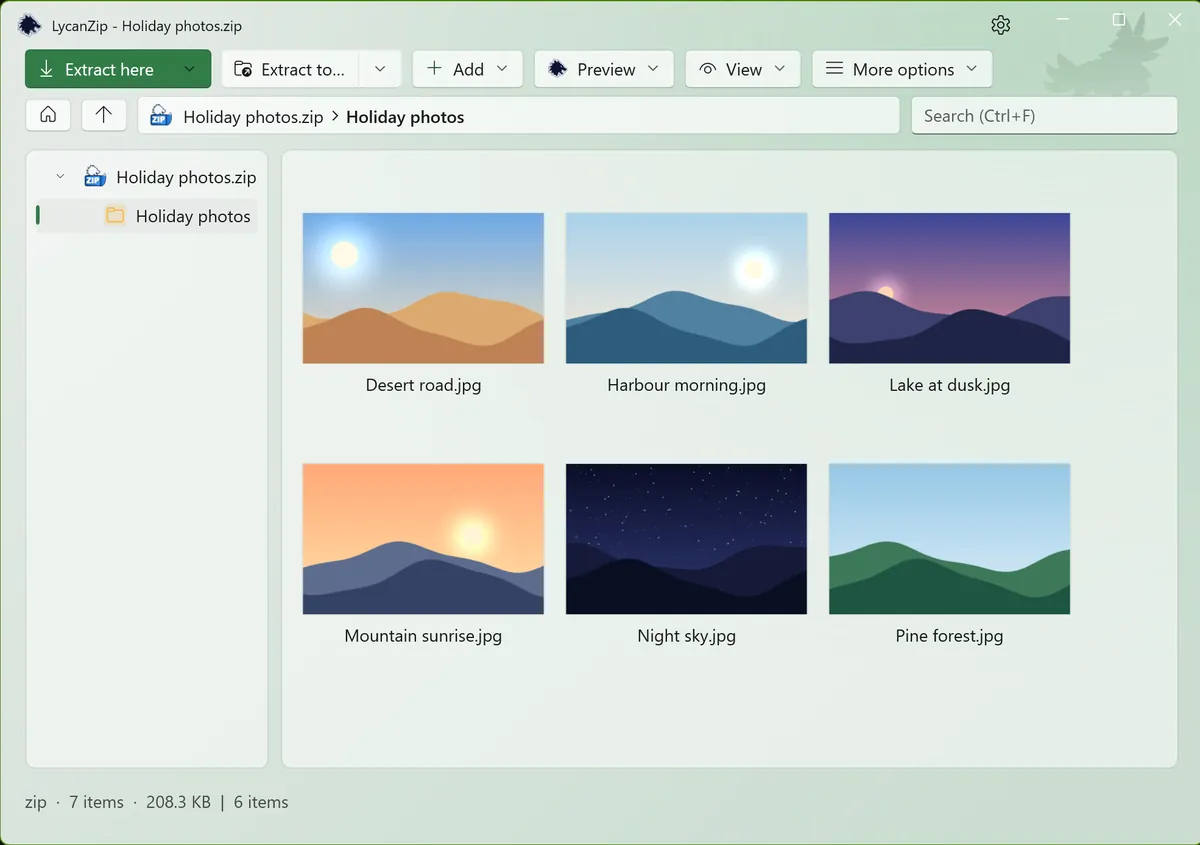
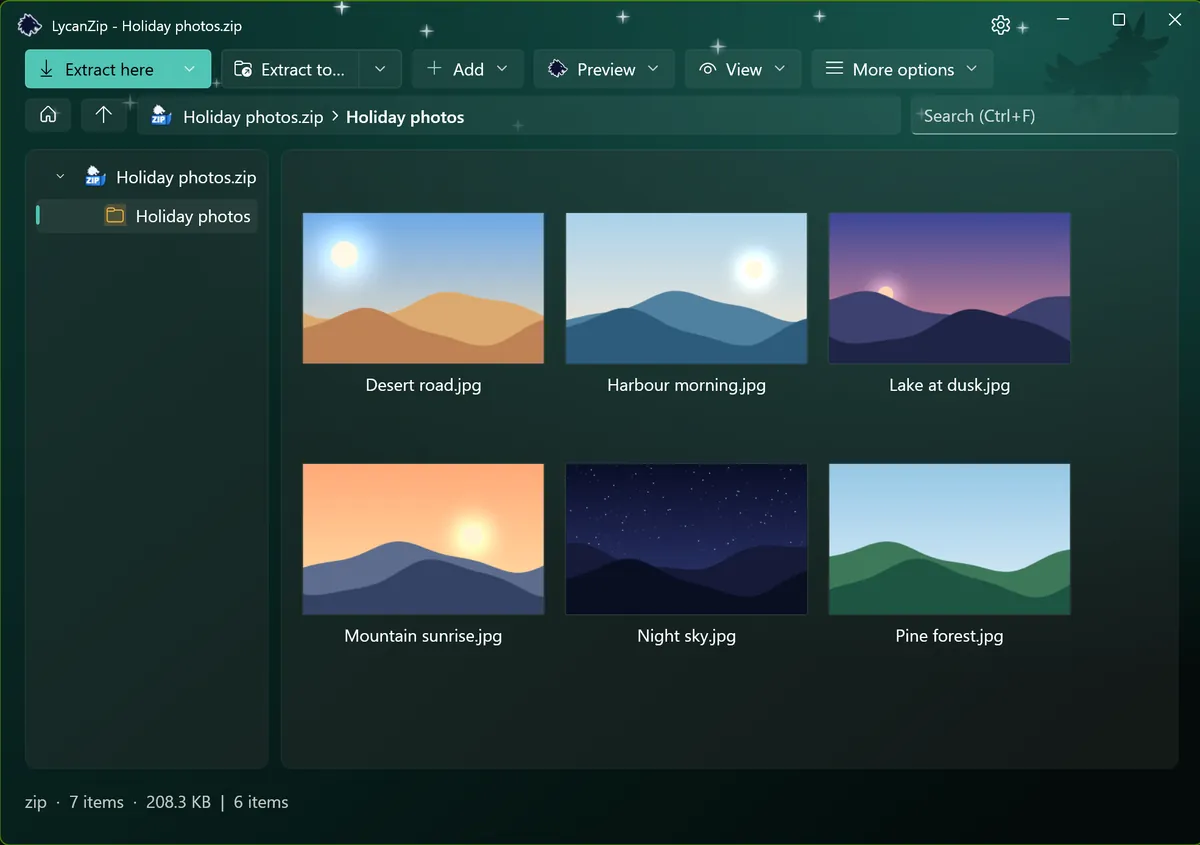
Add, delete, rename, replace inside zip, 7z and tar, or edit a file in your own editor and save it back. Done on a safe copy.
Old zip files with Big5, GBK, Shift-JIS or EUC-KR names are detected automatically.
No telemetry, no ads, nothing collected. And three ways to check what you are about to open:
Scan an archive with your own antivirus through Windows AMSI, without unpacking it to disk.
Hash any file, folder or archive. Verify a .sha256 file with a double click.
One click opens the VirusTotal page of the file’s hash. Only the hash is sent, never the file.
Unsafe paths are refused, links are not followed, and compression bombs are caught.
MIT license, source on GitHub. No ads, no accounts.
Works offline. See the privacy policy.
Packing is done by the proven 7-Zip engine. See licenses.
Get LycanZip Support the project on Ko-fi
Made in spare time. If it saves you time, a coffee helps; so does a bug report.